

VideoSnack turns a video into written content you can actually publish. Paste a YouTube link, and you get back a blog post, a newsletter, a summary, show notes, or whatever format you need — edited, SEO-checked, and sent to your CMS without leaving the app.
If you used VideoSnack back when it was a Google Docs add-on, this is a different tool now. It runs at app.videosnack.net as a full web app, and the flow below is what you’ll see when you log in.
1. Import the video
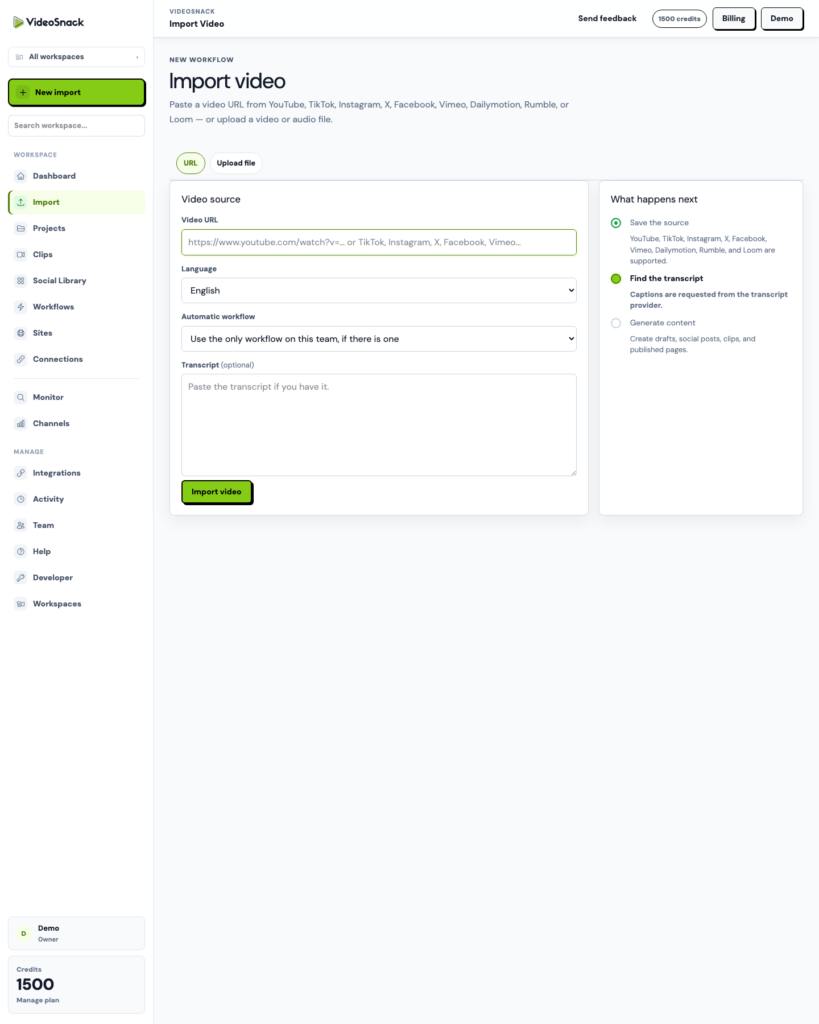
Start a project by giving VideoSnack a source. That can be a YouTube URL, a Loom link, a video file you upload (MP4, MOV), an audio file (MP3, WAV, M4A), or a transcript you already have and want to paste in.
Pick the language while you’re there. If you have a workflow set up, you can attach it during import so the whole production run starts on its own — more on that below.
2. Clean the transcript
VideoSnack transcribes the source and hands you the transcript before anything gets generated. This step matters more than it sounds. Fixing a mangled product name or a bad speaker label once, here, saves you from correcting it in every draft that comes afterward.
If you pasted your own transcript at import, you skip transcription entirely and go straight to generation.
3. Generate the draft
Choose what you want the transcript to become. There are eleven-plus formats — blog post, tutorial, interview summary, review, newsletter, show notes, SOP, and others.
You also set the tone of voice, the target length, the point of view, and the output language. If your video is in English and you need the article in Spanish, that’s a dropdown, not a second tool. There’s an extra-instructions field for the things a preset can’t cover: “keep the pricing section out,” “add an FAQ at the end,” that kind of note.
4. Edit and optimize
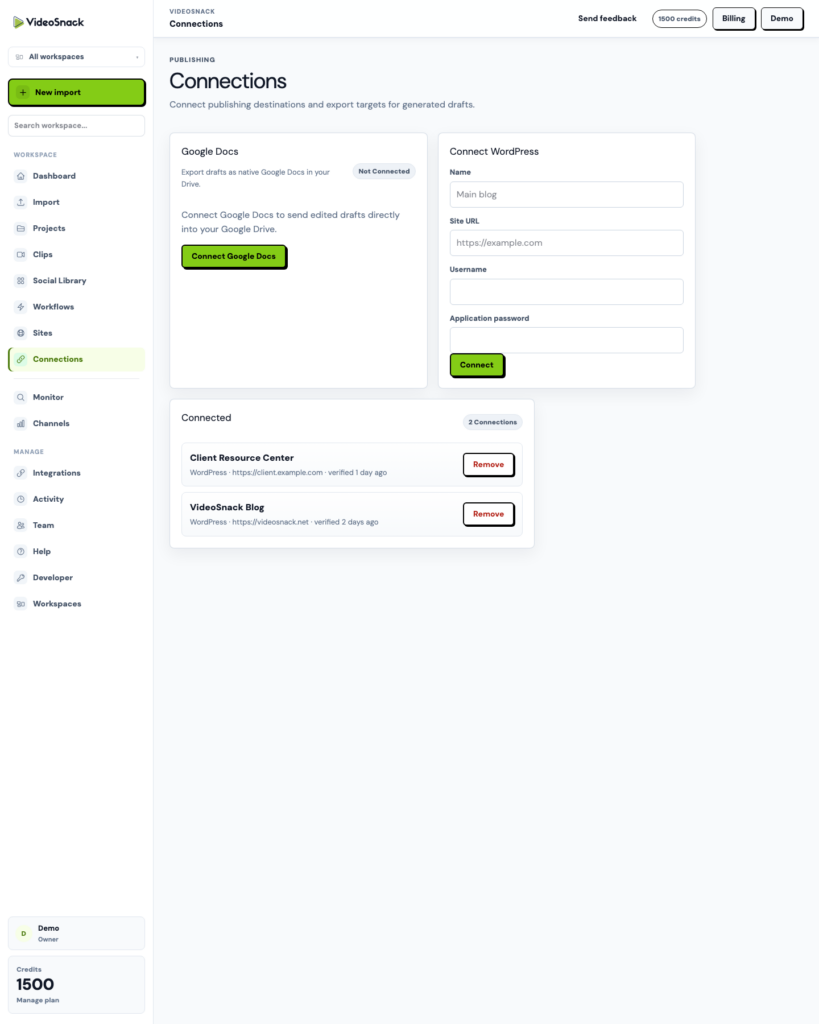
The draft lands in the content editor, which has a review mode and a Markdown mode. You can rewrite a section you don’t like without regenerating the whole piece, generate SEO title and description, check the draft against an SEO checklist and score, and compare against earlier versions if a rewrite went the wrong direction.
Version history means you can restore an old draft rather than trying to remember what the good intro said.
5. Publish or export
When the draft is done, it goes out one of several ways:
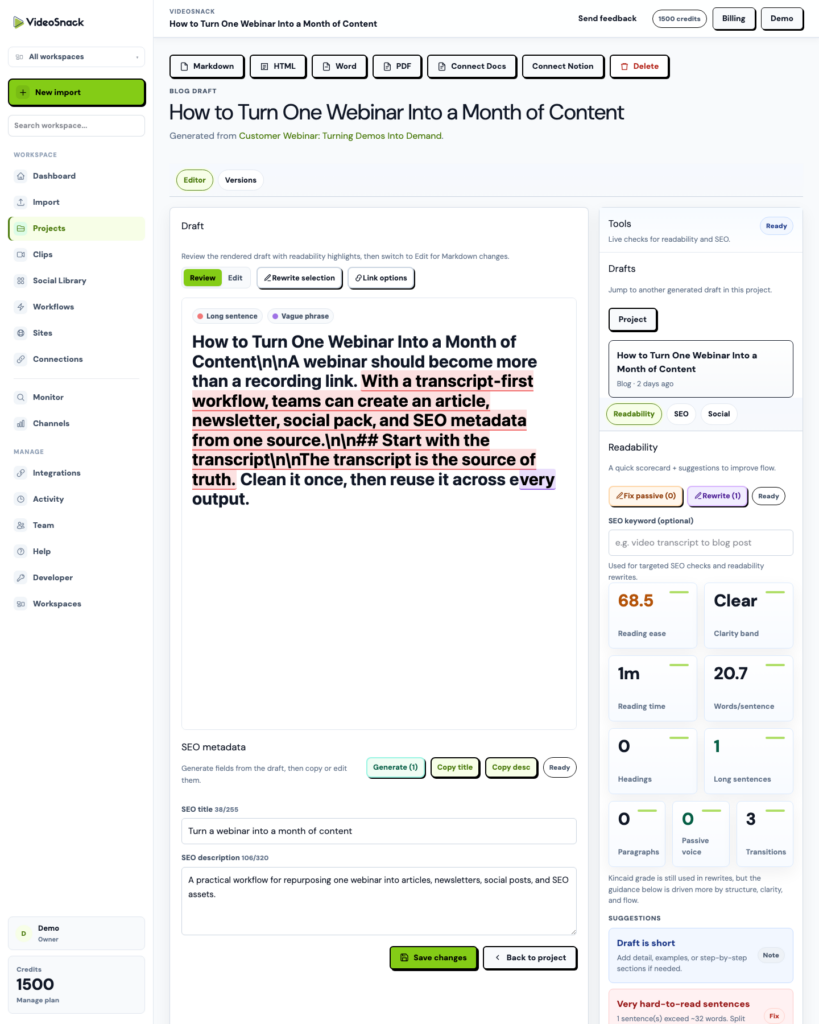
- WordPress — connect your site with an Application Password and publish posts or pages straight from the editor. Multiple sites are supported, which is what agencies tend to need.
- Hosted Sites — VideoSnack’s own publishing layer. Branded public site on a subdomain or your own custom domain, with themes, sitemaps, and subscriber capture. No CMS to set up.
- Exports — Markdown, HTML, Word, PDF, Google Docs, or SRT captions.
Social packs
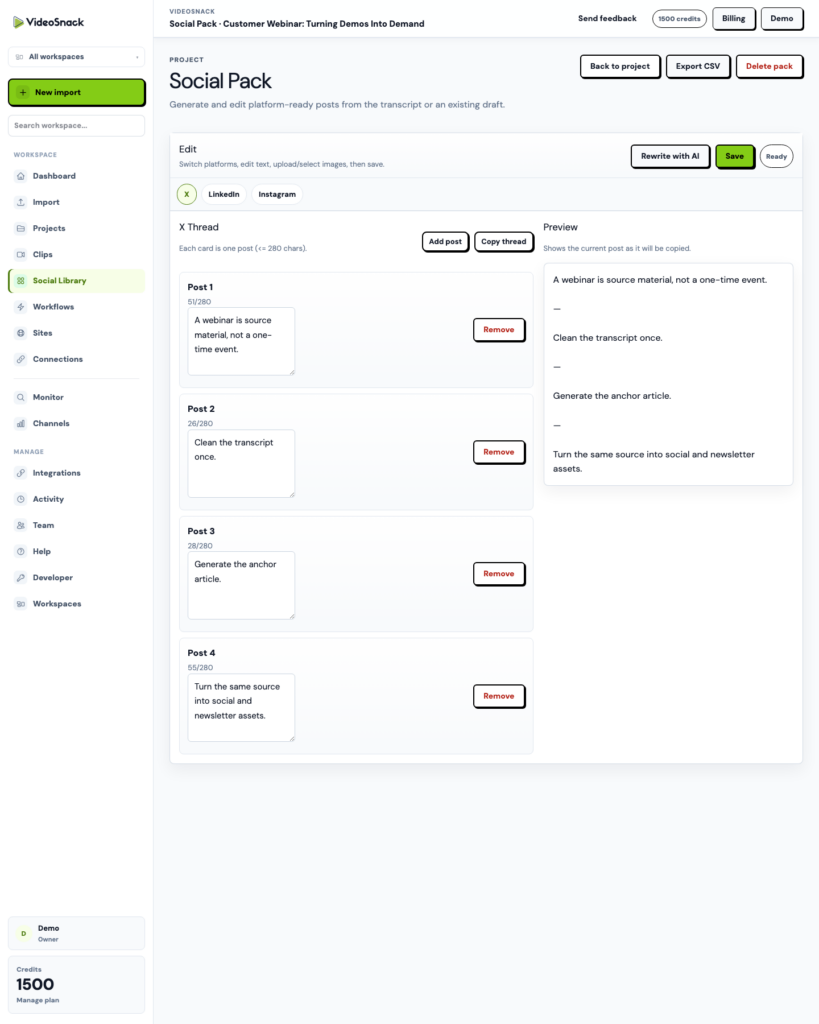
The same transcript or draft can produce platform-specific social copy: X threads, LinkedIn posts, Facebook captions, Instagram captions and hashtags, TikTok and Shorts copy, and carousel content with rendered image bundles you can download as a ZIP. Packs are saved to a library you can search later.
Workflows: doing all of this once
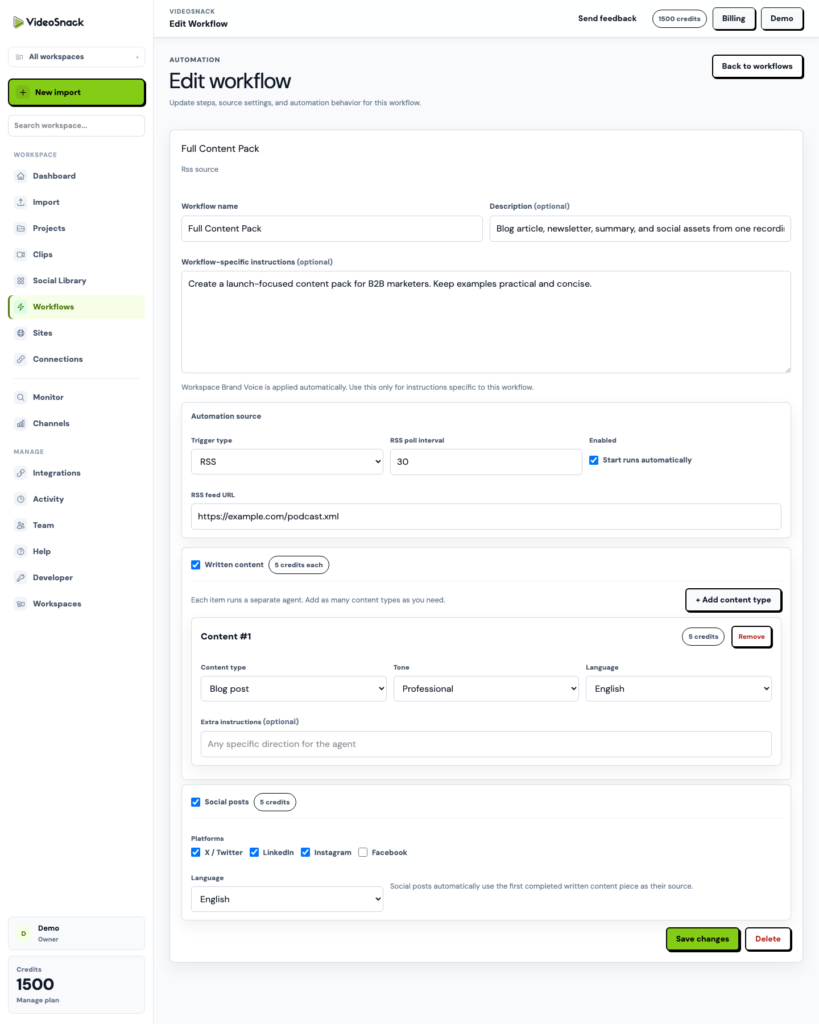
This is the part that didn’t exist in the old version. A workflow is a reusable recipe: several content steps plus a social step, each run by its own agent, all fed by one source. Attach it to an import and a single video becomes a blog article, a newsletter, a summary, and a social pack in one tracked run, with per-step status.
Workflows can be triggered manually, by an RSS feed (new podcast episode drops, production starts), by a webhook from Zapier, Make, n8n, or your own script, or by a monitor.
Monitors
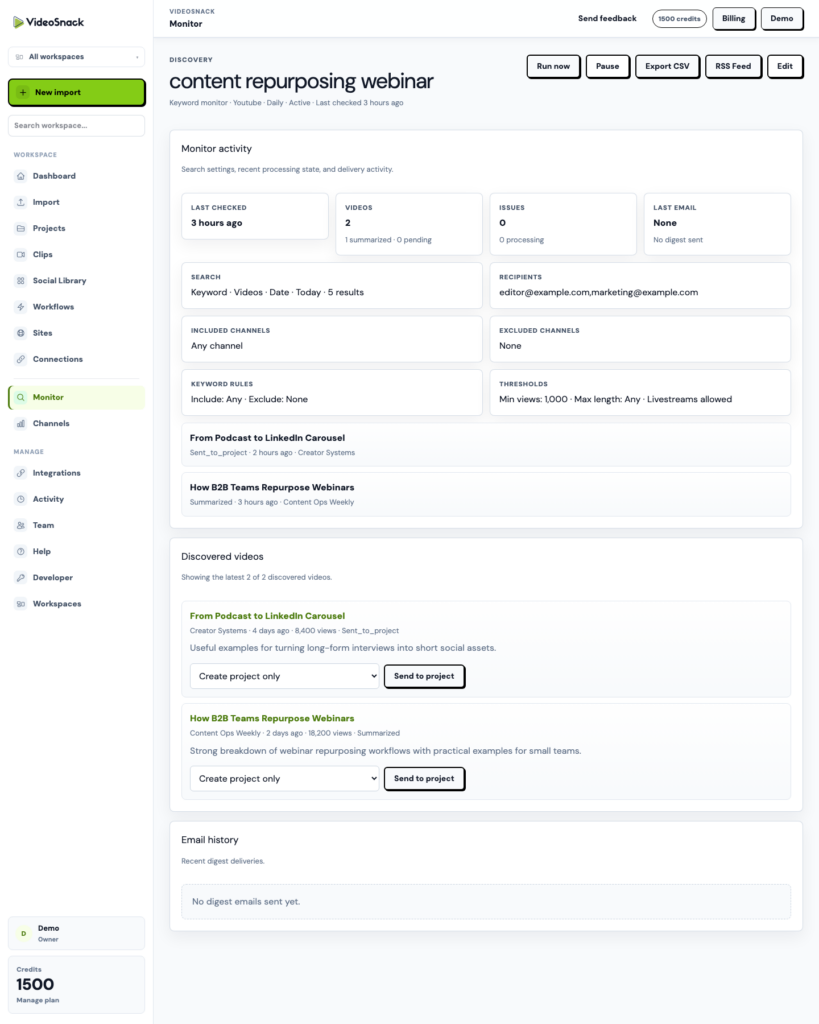
Monitors watch YouTube channels or keywords, summarize new videos, and email you a digest. Point one at your competitors and you get a weekly rundown. Connect a workflow and approved discoveries turn into content projects on their own.
API and webhooks
There’s a public API with keys and OpenAPI docs, plus signed content.ready and social_pack.ready webhooks if you want outputs pushed into another system.
Try it
The free trial includes 100 credits, which is enough to run a real video through the whole flow and see what comes out the other end. Start here.
If you try it, tell us what broke or what you wished it did. That feedback is what’s shaped most of what’s above.